

Status: 12 November 2026. Businesses in ChatGPT is still in beta and is evolving quickly. Check the sources at the bottom of this article for the latest. As soon as we clear the waitlist, we will update this blog with what we see.
What is Businesses in ChatGPT?
Businesses in ChatGPT is an OpenAI programme that lets businesses manage their profile in ChatGPT. It is still in beta. You handle everything through Business Hub, found at chatgpt.com/business-hub.
After verification you can:
- update your business details and get a blue checkmark;
- add a product feed with prices and stock;
- see how often ChatGPT mentions you, how many people view your profile and how many click through to your website;
- see which topics your website is used as a source for.
And Business Agents?
There are also Business Agents: your own AI assistant that answers questions about your products inside ChatGPT. For now these are only available to online shops and online service providers in the United States.
Why you should sort this out now
There is a good chance ChatGPT already has a profile of your business, even if you never did anything for it. When we searched for Organiq Grow in Business Hub, our profile was already there: with our name, website and even our address.
That profile is built from what can be found about you online. If it is wrong, ChatGPT gives people incorrect information.
Removing it is not an option, according to the first reports: OpenAI reportedly will not delete a published profile at the owner's request. So you are better off making sure you manage it yourself.
How claiming went for Organiq Grow
The claim process consists of a few steps. This is the route OpenAI describes, together with what we saw ourselves.
- Log in to ChatGPT and go to chatgpt.com/business-hub.
- Search for your business.
- Verify that you belong to the business. Depending on your business this can be done via a business phone number, a business email address, a DNS record on your domain or your Shopify account.
- OpenAI reviews your claim. An identity check via Persona follows.
- Once approved, you can edit your profile and see the insights.
For us it went differently
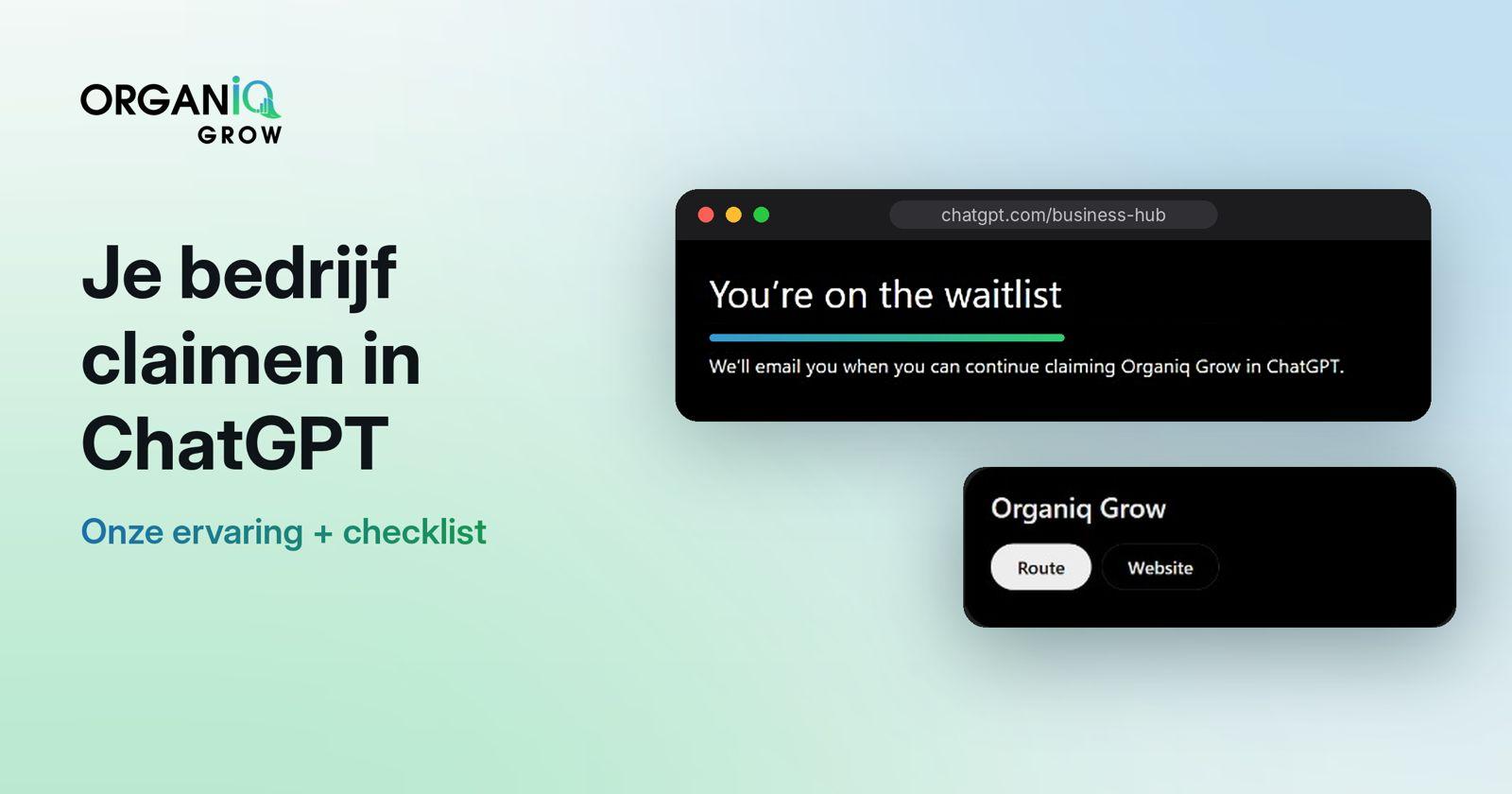
After we had searched for our business and started verification, we got the message that we are on a waitlist. OpenAI will email us when we can continue. The reports we read make no mention of a waitlist — so count on having to wait a while.
On the waitlist? Here is what you can already do
A waitlist is no reason to sit still. These four things decide how good your profile will be, and you can sort them out today.
- Ask ChatGPT what it currently knows about you. Type your business name and ask what you do, where you are based and what customers think of you. That shows you immediately what is wrong.
- Make sure ChatGPT can read your website. Business Hub crawls the website linked to your profile. If your robots.txt or firewall blocks OpenAI's crawlers, such as OAI-SearchBot, this will not work.
- Make your details consistent everywhere. Name, address, phone number and opening hours must match on your website, Google Business Profile, Chamber of Commerce and social media. Conflicting information makes it hard for AI to describe you well.
- Prepare your details. Have your business description, services and (for online shops) your product feed ready. Then you are good to go the moment you are let in.
Rather know where you stand right away? With Organiq Grow's free scan you see in a few minutes how visible your business is in AI search engines. Take the free AI scan
Online shop or service provider: where do you gain the most?
What Business Hub gives you depends on the type of business.
Online shop
For you the product feed is the most interesting. You show ChatGPT your current prices and stock. Keep that feed up to date, because outdated prices work against you.
Local service provider
For you it is about correct details and a clear description of your services. Make sure your name, address and opening hours are the same everywhere.
Online service provider or software
For you the insights are the most valuable. You see which topics you are mentioned for, and therefore where there are still opportunities. The Business Agents that are most relevant for you are for now only available in the US.
What claiming does not solve
Claiming gives you control over your details, but it is not a visibility button. Keep these limits in mind.
- It does not get you mentioned more often. A claimed profile changes nothing about your visibility and gives no guarantee of a better spot or more sales.
- A click is not yet a visit. Business Hub counts click-throughs from ChatGPT. Always put those numbers next to Google Analytics to see what really comes in.
- You do not see individual questions. You see which topics you appear for, but not the exact questions people asked.
- It only covers ChatGPT. Gemini, Perplexity, Claude and the AI answers in Google are not included, and you do not get comparisons with competitors.
So how do you get mentioned in AI search engines?
Whether ChatGPT recommends you depends mostly on what can be found about you online. That is where your visibility is really earned, in ChatGPT and in other AI tools.
- Show what you solve. Pages with concrete use cases and examples (for whom, which problem, which result) are exactly what AI uses to recommend you.
- Collect and show reviews. Customer experiences, on your website and on external platforms, make you more trustworthy as a source.
- Get mentioned elsewhere. Mentions and links from relevant websites, local media and trade platforms count.
- Write clearly and factually. Clear answers to the questions customers ask, with correct details, are easy for AI to pick up.
This is what we call GEO: Generative Engine Optimization, or findability in AI search engines. Claiming your profile is the basis; this is the work that gets you mentioned. Read more about our GEO approach
Sources
Curious what ChatGPT and other AI tools currently say about your business? Take Organiq Grow's free scan. You see in a few minutes where you stand and where your opportunities are.
Take the free AI scan →